Merchant Account Signup
Signing up for a PingBusiness merchant account requires only an email and password, followed by basic Know Your Business (KYB) application that takes only a few minutes.
You don't need a registered company to apply - individuals (solo founders, entrepreneurs, and individual builders) can apply directly. If you're applying as a company, including a single-member company, you'll verify the business and its owners as part of review.
Account Sign Up
- Head over to https://signup.pingbusiness.org/register and create a new account with your social log ins.
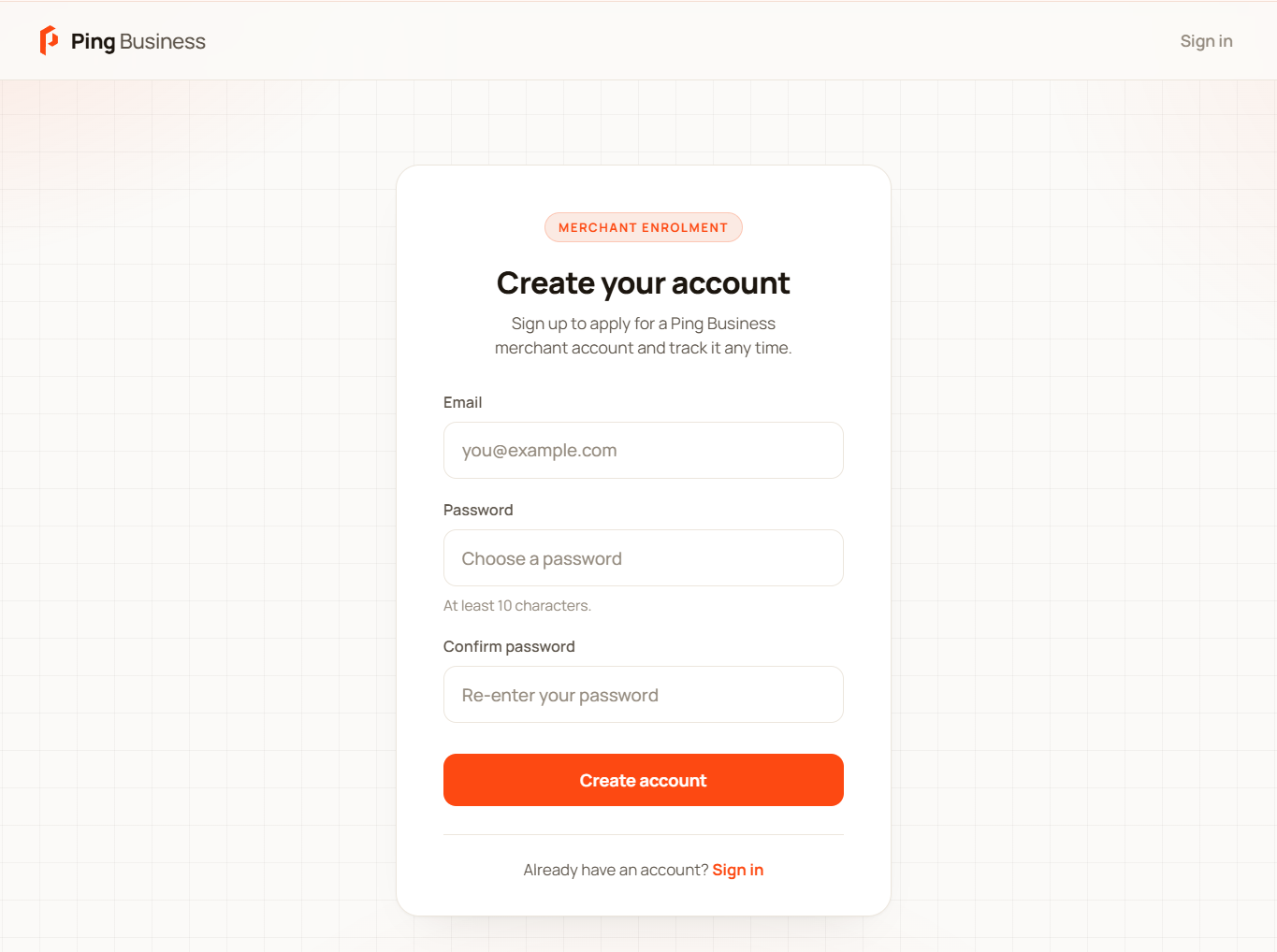
- Once your credentials are entered, you will be asked to verify your email.
- After email verification is done, you will need re-enter your login credentials to access your newly created PingBusiness account.
- Upon successful PingBusiness account signup, you may proceed with merchant account set up by starting an application.
- While applying for a merchant account, you will be asked to enter relevant individual or business details as part of PingBusiness 4-step verification process - fill in all the necessary information accurately.
- After your application submission, approvals should happen quickly if all details are entered accurately.
- Upon successful approval, your merchant account and storefront will go live.